

Every week a new AI model launches, and each one lives in a different app with a different login and a different subscription. Learning how to use Poe AI for beginners solves that mess in one place, because Poe brings many leading AI models and thousands of community bots together inside a single, simple chat app. You ask one question, compare answers from different models side by side, and keep everything in one history, all starting on a free plan.
In this guide you will learn how to use Poe AI step by step. You will create your free account, understand points and bots in plain English, send your first message, compare top models fairly, use image and file features, build your own simple bot, and avoid the mistakes that waste free points. By the end you will know exactly when Poe is the right home for your AI chats and when a model's own app still makes sense.
Step 1: Understand How to Use Poe AI and What It Does
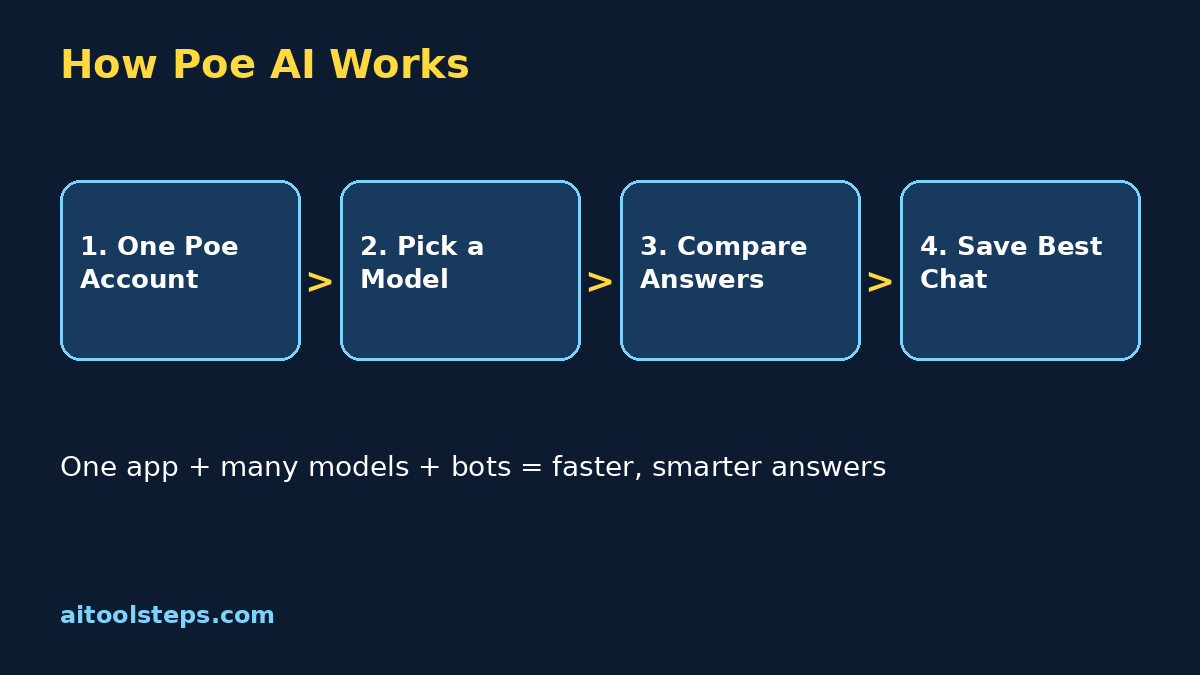
Poe is a chat hub created by Quora. Instead of building one model of its own, Poe gives you access to many models from different companies in one interface, plus bots created by the community for specific jobs like resume help, coding practice, language tutoring, and image generation. Think of it like a browser for AI: one account, one chat list, many different AI brains you can switch between in seconds.
For anyone learning how to use Poe AI, the key idea is comparison. Different models are good at different things. One writes warmer stories, another explains maths more clearly, another is faster for quick questions. On Poe you can ask the same question in two chats and read both answers, instead of guessing which single subscription to pay for. That makes Poe especially valuable for beginners who are still discovering what AI is actually good at.
Step 2: Create Your Free Poe AI Account
Getting started takes about two minutes, and everything runs in your browser or the mobile app, so there is nothing complicated to install.
Take a moment to explore before chatting. Scroll the discover page, notice the categories like official bots, image generation, and learning, and star one or two that look useful. Bookmark only the official site and only ever sign in there, because your Poe account holds your chat history. Beginners learning how to use Poe AI often rush this step and later cannot find chats they saved, so a tidy first five minutes pays off.
Step 3: Understand Points, Free Limits, and Subscriptions Honestly
Poe uses a points system. Every message you send costs points, and stronger, newer models cost more points per message than smaller, faster ones. Free accounts receive a daily allowance of points that refills, which is enough for a good number of everyday questions, short writing help, and trying premium models a few times a day. A paid subscription gives a much larger monthly points pool and faster access at busy times.
The practical advice for how to use Poe AI on a free plan is to match the model to the job. Use a fast, cheaper model for simple questions, summaries, and brainstorming lists. Save the most expensive models for the hard problems where quality really matters, like a tricky explanation, an important email, or code you cannot debug. Check the points cost shown near the send button before you tap, and watch your remaining balance in settings during your first week. When you regularly run out before the day ends, that is the honest signal a subscription may be worth it for you.
Step 4: How to Use Poe AI to Send Your First Chat and Switch Models
Your first chat teaches you the core loop you will use every day. Open a model from the home screen, type a clear question, and send it. A strong first prompt names your goal, your level, and the format you want, for example: explain photosynthesis like I am twelve, in five short bullet points. Clear prompts are the single biggest upgrade for anyone learning how to use Poe AI, because every model answers better when it knows who you are and what good looks like.
Now try the Poe superpower: ask the exact same question to a second model in a new chat and compare. Notice differences in length, examples, tone, and accuracy. Neither answer is automatically right, and comparing teaches you to read AI output critically instead of copying blindly. You can also continue a chat with follow-up questions, edit your last message to re-ask it differently, and clear the chat context when you want a model to forget the earlier topic and start fresh.
Step 5: Use Poe Bots for Writing, Study, Coding, and Images
Beyond the big official models, Poe hosts thousands of bots. Some are simple prompt wrappers that behave like a strict editor, a friendly language tutor, or a patient maths coach. Others generate images from text descriptions or help you practice interview questions. Search the discover page by the job you need done, not by model names, and read a bot's description before trusting it with anything important.
A safe beginner routine is to test a bot on a small, low-risk task first. Ask a writing bot to improve one paragraph, ask a study bot to quiz you on five questions, or ask an image bot for one simple picture. Writers and students get a special bonus from how to use Poe AI here: the same draft can be checked by an editor bot, explained by a tutor bot, and illustrated by an image bot, all without leaving the app. Remember that community bots vary in quality, and a bot is only as good as the model and instructions behind it.
Step 6: Upload Files and Images for Smarter Answers
Many Poe models can read what you upload. You can attach a photo and ask what it shows, upload a document and ask for a summary, or paste a long article and request the five key points in plain English. This turns Poe from a question box into a reading assistant for the material you already have, like class notes, a work report, or a contract you need explained carefully.
Use uploads wisely and safely. Check the summary against the original for any numbers, dates, or names that matter, because models can still make mistakes. Never upload private documents, passwords, ID scans, or sensitive company files into any chat app. For beginners learning how to use Poe AI, the habit is simple: upload to understand, verify before you act, and keep truly private material offline.
Step 7: How to Use Poe AI to Create Your Own Simple Bot
Therefore, once you are comfortable chatting, creating a bot is a fun next step and it needs no coding. Poe's bot creator lets you pick a base model, write instructions describing how the bot should behave, and give it a name and picture. For example, you could create a bot whose instructions say it is a friendly English practice partner that corrects one mistake per reply and always ends with a new question for you.
Keep your first bot's instructions short and specific. Describe who the bot is, what it should do, what it should never do, and the style it should answer in. Test it yourself with five different questions, fix the instructions where answers drift, and only then share the link with friends. Learning how to use Poe AI this way, by building a tiny tool for your own routine, teaches you more about prompting than a month of random chatting.
Step 8: Use Poe on Mobile and Organize Your Chats
The Poe mobile app mirrors the website, so chats you start on your laptop are waiting on your phone. That makes Poe handy for small moments: drafting a reply while travelling, asking a quick study question, or capturing an idea before you forget it. Turn on notifications carefully, because a busy discover feed can get noisy, and mute anything that is not a chat you care about.
Organization matters more as your history grows. Give important chats clear first messages so their titles make sense later, star the conversations you return to, and delete test chats you will never need. A tidy chat list is a quiet superpower for how to use Poe AI long term: your best prompts, explanations, and drafts stay findable instead of sinking under hundreds of one-off questions.
| Tool | Cost to Start | Best For | Main Limit |
|---|---|---|---|
| Poe AI | Free plan with daily points | Trying and comparing many models and bots in one app | Heavy premium-model use needs a subscription |
| ChatGPT app | Free plan available | One polished all-round assistant with voice and tools | Only OpenAI models, no direct rival comparison |
| Gemini app | Free plan available | Google users who want AI inside search and Google apps | Only Google models and ecosystem features |
| Claude app | Free plan available | Long documents and careful, thoughtful writing | Only Anthropic models, usage caps on free plan |
Step 9: Compare Poe AI With ChatGPT, Gemini, and Claude Apps
No single winner fits everyone. Poe wins when you want choice, comparison, and community bots in one place, especially while you are still learning what each model does best. A model's own app wins when you need that company's newest exclusive features first, like a specific voice mode or deep app integration. Many beginners start on Poe to learn the landscape, then keep Poe for comparison even after they pick a favourite model elsewhere.
Step 10: Avoid the Common Beginner Mistakes
Most disappointing Poe experiences come from the same short list of habits. Avoid these, and your chats stay useful from week one.
Frequently Asked Questions
Is Poe AI free for beginners?
Yes, Poe offers a free plan with a daily points allowance that lets you chat with many models, including a limited number of messages to premium models each day. A paid subscription adds a much larger points pool. Check the official pricing page for current allowances, since points and plans change over time.
Do I need separate accounts for ChatGPT or Claude on Poe?
No. Your single Poe account is what you sign in with, and Poe handles access to the models inside the app through its points system. You do not need an OpenAI or Anthropic account to chat with those models on Poe.
What is the difference between a model and a bot on Poe?
A model is the underlying AI, like a large language model from a major company. A bot is a chat experience built on top of a model, with a name, instructions, and sometimes tools like image generation. The same model can power many different bots that behave very differently.
How is Poe different from the ChatGPT app?
The ChatGPT app gives you OpenAI models in OpenAI's own interface. Poe gives you many companies' models plus thousands of community bots in one interface, so you can compare answers side by side. Poe's points system replaces separate subscriptions to each service.
Can Poe AI create images?
Yes. Poe includes image generation models and bots that turn text descriptions into pictures, and many chat models can also look at images you upload and describe or explain them. Image generation usually costs more points than a short text chat.
Why did Poe say I ran out of points?
Free accounts get a daily points budget, and premium models spend it quickly. You can wait for the next daily refill, switch to a cheaper fast model for simple questions, or subscribe for a larger monthly pool if you regularly hit the limit.
Keep learning with these related beginner guides on AIToolSteps: How to Use Make AI for Beginners, How to Use Napkin AI for Beginners, and How to Use Zapier AI for Beginners. Moreover, each guide follows the same step-by-step style, so you can build your AI toolkit one free tool at a time.
Final Thoughts
Learning how to use Poe AI for beginners is really about learning to choose. Choose the right model for the job, write prompts that explain what good looks like, and compare answers before you trust them. Create your free Poe account today, ask one question to two different models, and notice which answer actually helps you more. That small habit, repeated daily, will make you better at using every AI tool, not just Poe.
Explore More Free AI Tools
Discover more free tools and step-by-step guides on AIToolSteps:
Visit https://aitoolsteps.com/ to explore all free AI tools and beginner guides.