
Free Case Converter
Convert text to uppercase, lowercase, title case, sentence case, and more instantly with our free online Case Converter.
Convert Your Text
Type or paste your text below and instantly convert it to uppercase, lowercase, title case, sentence case, and other useful text formats.
Explore more useful AI tools and step-by-step guides on AI Tool Steps.
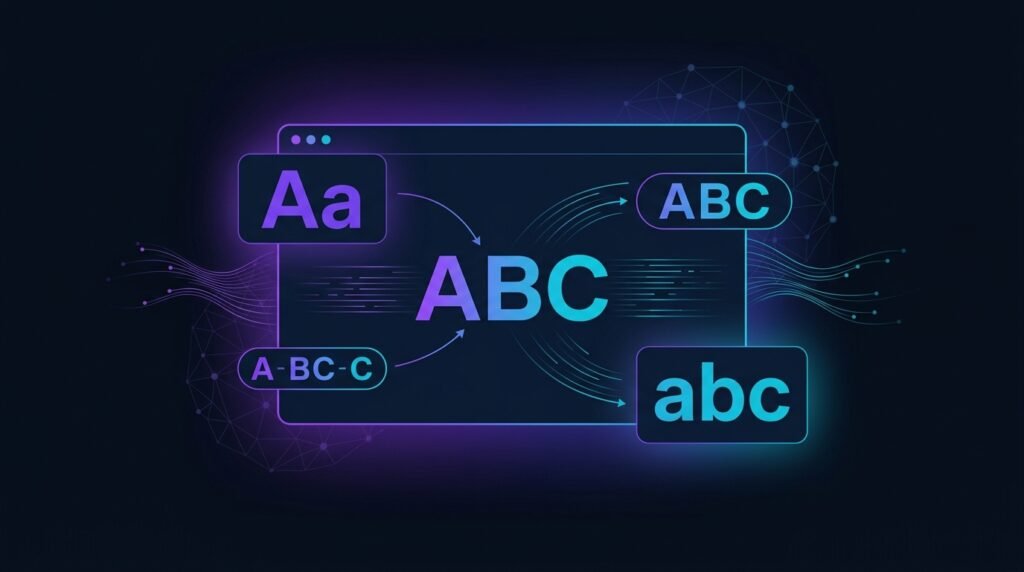
What Is a Case Converter?
A Case Converter is a free online text tool that helps you quickly change the capitalization of your text. You can convert text to uppercase, lowercase, title case, sentence case, capitalize words, or toggle letter cases without manually rewriting your content. It is useful for writers, students, bloggers, marketers, and anyone who regularly works with text.
How to Use the Case Converter
- Enter or Paste Your Text
Type your text directly into the box or paste content you want to convert. - Choose a Text Case
Select UPPERCASE, lowercase, Title Case, Sentence case, Capitalize Words, or tOGGLE cASE. - Review Your Converted Text
Your text will be converted instantly, while the tool also displays the character and word count. - Copy or Clear Your Text
Use the Copy Text button to copy the converted content or Clear Text to start again.
Why Use Our Free Case Converter?
- Multiple Text Cases
Convert your text to uppercase, lowercase, title case, sentence case, and other useful formats. - Instant Text Conversion
Change the capitalization of your text instantly without manually editing individual letters. - Useful for Writing & Editing
Perfect for articles, headings, social media content, assignments, emails, and other text. - Free & Easy to Use
Use the Case Converter directly in your browser without registration or complicated software.
Frequently Asked Questions
Is the Case Converter free to use?
Yes. The Case Converter is completely free to use and does not require registration.
What text cases can I convert?
You can convert text to uppercase, lowercase, title case, sentence case, capitalize words, and toggle case.
Does the Case Converter change my original text permanently?
No. The tool only changes the text inside the browser text box. You can copy the converted version when you are satisfied with the result.
Can I use the Case Converter on mobile devices?
Yes. The tool is designed to work on desktop, tablet, and mobile devices.
To get better results from the Free Case Converter, use a clear topic, relevant keywords, and a title style that matches your audience.
For more guidance on creating helpful content for search, read Google Search Central’s SEO Starter Guide.