
Free Online Image Resizer
Resize JPG, PNG, and WebP images online by changing their width and height. Quickly adjust image dimensions directly in your browser without uploading files to our server.
Resize Your Image
Upload a JPG, PNG, or WebP image, enter your preferred width and height, and resize it directly in your browser. Keep the original aspect ratio when needed and download the resized image when ready.
Upload Your Image
Drag & drop an image here or click to browse.
Supported formats: JPG, PNG, WebPNew Image Dimensions
Explore more useful AI tools and step-by-step guides on AI Tool Steps.
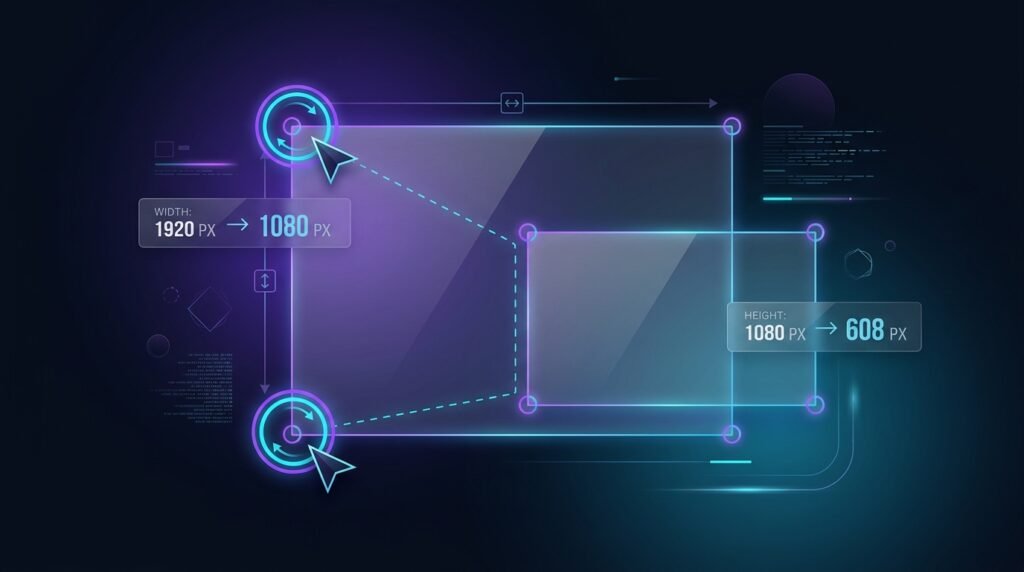
What Is an Image Resizer?
An Image Resizer is an online tool that lets you change the width and height of an image to create the dimensions you need. It can be useful for websites, social media, presentations, documents, and other digital content. Our Image Resizer processes supported images directly in your browser, so your images do not need to be uploaded to our server.
How to Use the Image Resizer
- Upload Your Image
Choose a JPG, PNG, or WebP image from your device, or drag and drop it into the upload area. - Choose New Dimensions
Enter your preferred width and height in pixels, or use the quick resize options such as 25%, 50%, or 75%. - Keep the Aspect Ratio
Keep Lock Aspect Ratio enabled if you want the width and height to adjust proportionally and avoid unwanted stretching. - Resize and Download
Click Resize Image, check the new dimensions, and then click Download Resized Image to save the result.
Why Use Our Free Image Resizer?
- Custom Image Dimensions
Set the exact width and height you need for websites, social media, documents, and other digital content. - Maintain Aspect Ratio
Keep the original proportions of your image while changing its dimensions to help avoid unwanted stretching. - Browser-Based Processing
Your images are resized directly in your browser without being uploaded to our server for processing. - Fast & Easy to Use
Upload an image, choose your dimensions, resize it, and download the result in just a few simple steps.
Frequently Asked Questions
What is an Image Resizer?
An Image Resizer is a tool that changes the width and height of an image to create new dimensions for websites, social media, documents, and other uses.
Which image formats can I resize?
Our Image Resizer supports JPG, PNG, and WebP images.
What does Lock Aspect Ratio do?
Lock Aspect Ratio keeps the width and height proportional when you change one dimension, helping prevent the image from becoming stretched or distorted.
Are my images uploaded to a server?
No. Supported images are processed directly in your browser, so they do not need to be uploaded to our server for resizing.
To get better results from the Online Image Resizer, use a clear topic, relevant keywords, and a title style that matches your audience.
For more guidance on creating helpful content for search, read Google Search Central’s SEO Starter Guide.